By Genevieve Keys, Public Information Officer | Utah Division of Emergency Management
When an earthquake hits, a wildfire starts to spread rapidly, or a cyberattack takes down a county’s infrastructure, the public needs information fast, and you’re ready to deliver it. But here’s a question worth sitting with: what happens if your tools fail before or during the emergency, right when you need them most?
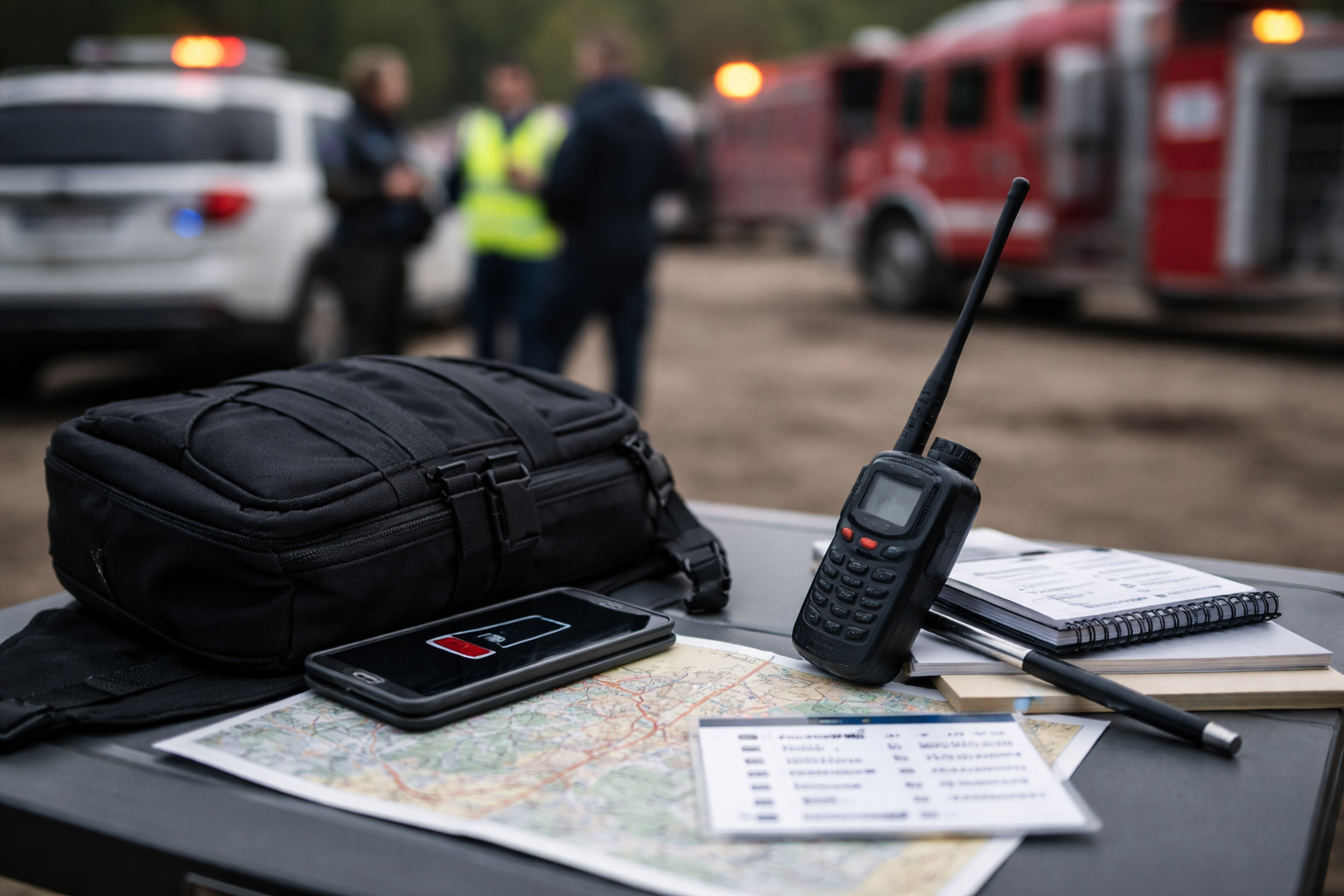
Your cell signal is gone. Your agency email is unreachable. You’re standing in a parking lot trying to remember your IPAWS point of contact’s phone number from memory.
This is exactly why communications preparedness isn’t just about knowing your jurisdiction’s alert systems. It’s also about knowing your own systems, credentials, and fallback options before you ever need them. The good news? A little preparation goes a long way.
Starting next month, we’ll dig into the tools themselves: what’s available in Utah, when to request it, and how to use it. We hope you’ll follow along as they are added here on our website and our monthly newsletter.
Three Things Worth Adding to Your Preparedness Checklist
1. Look Into Priority Calling Access
The Government Emergency Telecommunications Service (GETS) and Wireless Priority Service (WPS) are federally-administered programs that move your call to the front of the connection queue when public networks are overwhelmed.
GETS works on landlines and is completely free to enroll in and use. WPS is the wireless version and works on your cell phone; it runs through your agency’s carrier account at a small monthly cost, so it’s worth checking with your telecom coordinator or admin to find out if it’s already active on your device. If your organization isn’t enrolled yet, the process starts at gets.dhs.gov. Utah’s state leadership already relies on both programs as a primary resilience tool and they’re worth knowing about regardless of whether you end up with access.
2. Build Your PACE Plan
PACE stands for Primary, Alternate, Contingency, and Emergency, a military-developed framework for building communications that don’t have a single point of failure. For a PIO, it might look like this: your work cell phone is Primary, your personal cell on a different carrier is Alternate, a satellite phone is Contingency, and a physical runner or amateur radio is your emergency last resort.
The value isn’t in the acronym, it’s in the discipline of deciding ahead of time what you’ll reach for when the first thing stops working. Write it down. Put it in your go-kit. Your brain will thank you at 2am during an activation.
3. Carry Your Info Card
This one is deceptively simple and easy to overlook. An Emergency PIO Info Card is a laminated, physical reference card that lives with your badge or in your go-kit. It contains the things you cannot afford to search for under pressure like your agency’s Collaborative Operating Group (COG) ID and your IPAWS point of contact for sending emergency alerts. It can also have key partner agency numbers, and any credentials or authentication codes you might need. Digital contacts are great until the power’s out. This card is your backup to the backup.
None of these require a ton of time to get started. They require a bit of time and some intentionality. That’s the theme of this series, small actions taken now can make you dramatically more effective when it counts.
Editor’s Note:
Remember: For municipalities you should work with your local emergency manager as you look into these solutions or recommendations. If you’re looking for an emergency solution that your organization can’t provide, check in with your city government, then the county. At that point your county can reach out to the state and the state can reach out to the federal level as the situation escalates.
 Utah PIO Association